












Public sector
Keep public project data governed inside the Microsoft environment your organization controls.
Self-hosted openBIM across Microsoft. Your projects, your assets, your tenant.
Join partners, integrators, and developers bringing IFC, BCF, and IDS into more Microsoft workflows.
Connect BIM, asset information, and project workflows where your teams already work. Review models in Teams, manage information in SharePoint, and connect project data to Power BI.
See how the platform fits together Microsoft Teams
  IFC Viewer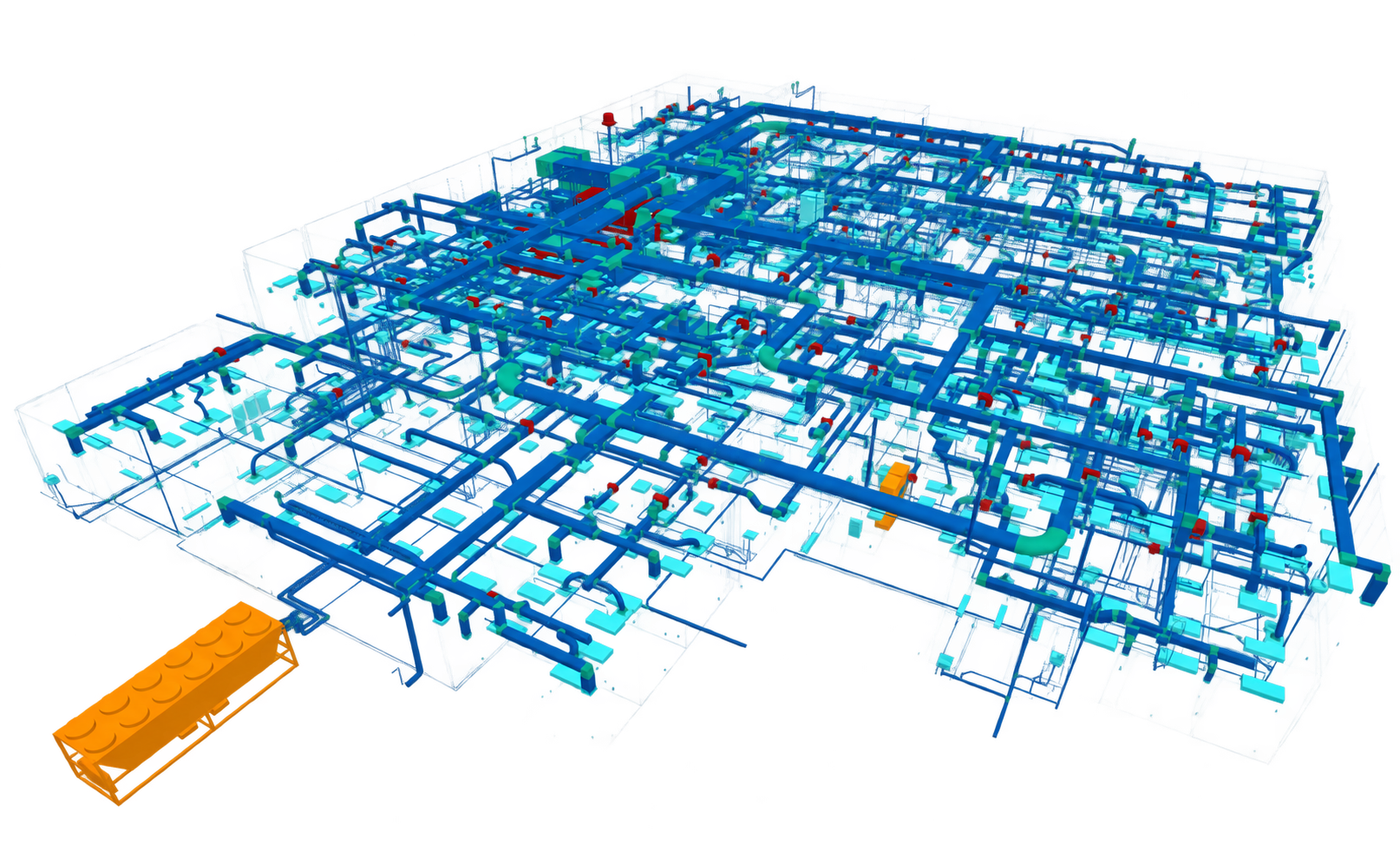
Keep public project data governed inside the Microsoft environment your organization controls.
Connect long-life assets, engineering information, and operations workflows across portfolios.
Move from model handover to a practical digital record for every building and asset.
Coordinate designers, contractors, and clients around open standards without another data silo.
Connect models, information, and analytics in the Microsoft services you already use.
 Microsoft Copilot
  SharePoint Teams
  Power BI
  Excel
Excel  Power Automate
  Fabric
 Microsoft AppSource rating
Runs in your Microsoft tenant
Built on open standards
Work with IFC, BCF, and IDS to keep model information portable across platforms, project teams, and suppliers.
Learn moreConnect models and workflows across SharePoint, Teams, Power BI, Excel, Azure, and Fabric.
Learn moreBuild with Flinker, integrate our technology into your product, or implement Microsoft solutions for your customers.
Learn moreBring openBIM into the Microsoft environment you already secure. Keep project files in place and access under your existing policies.
Use your existing Entra ID sign-in, MFA, and permissions.
Keep source models in SharePoint, without a second file repository.
The IFC viewer parses and renders models on your device.
Integrate our openBIM technology into your own product, or implement Flinker solutions in your customers' Microsoft environments.
Become a partnerConnected models. Clear requirements. Better coordination.
Work across tools and teams with buildingSMART standards.

Share model geometry, properties, and quantities across tools and project teams.
Explore IFC Viewer
Keep issues, comments, and viewpoints connected to the right model elements.
Try BCF coordination
Make information requirements machine-readable, so IFC models can be checked against them.
Explore IDS validationTell us how you work with IFC, BCF, and IDS in Microsoft. We can help you explore the next step for your projects and assets, with no obligation.
Keep up with Flinker apps, product releases, and openBIM news across Microsoft.