
SharePoint and governance
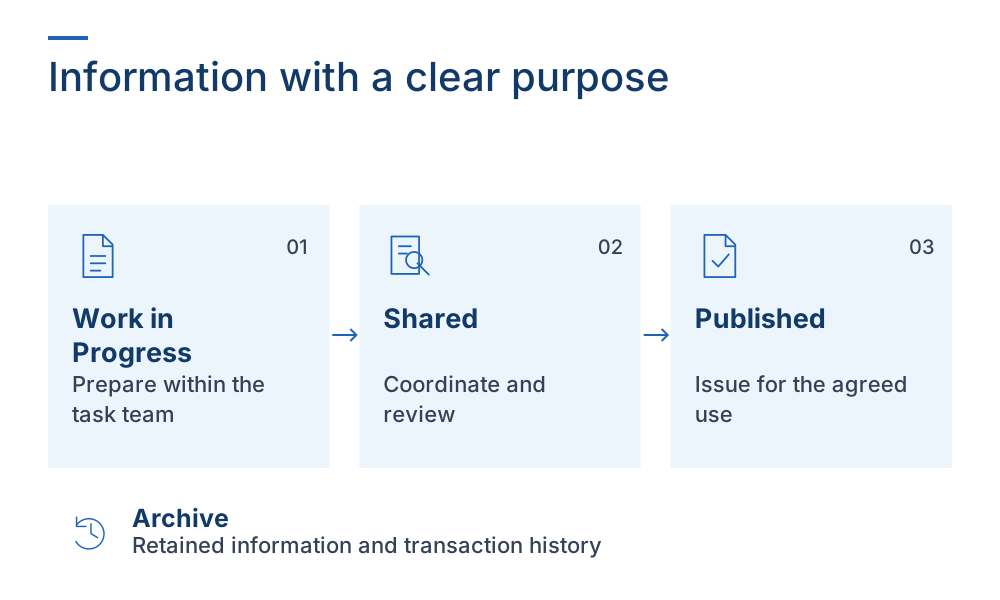
ISO 19650 and SharePoint: designing a common data environment
Understand how SharePoint supports a common data environment and which project controls you need to define, configure, and verify.
Product updates, implementation patterns, and technical perspectives for BIM, information management, analytics, and Microsoft.
Use IFC and BCF in Teams, SharePoint, Excel, Power BI, and connected workflows.
12 articles
Understand how SharePoint supports a common data environment and which project controls you need to define, configure, and verify.
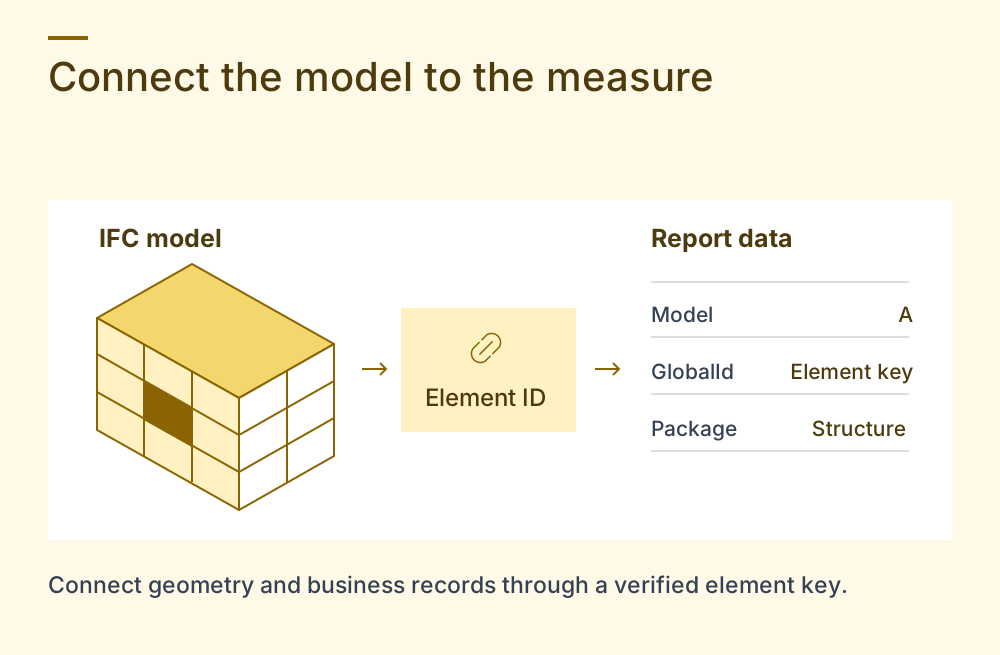
Build a Power BI report that connects IFC elements with project data, reliable measures, and a controlled refresh process.
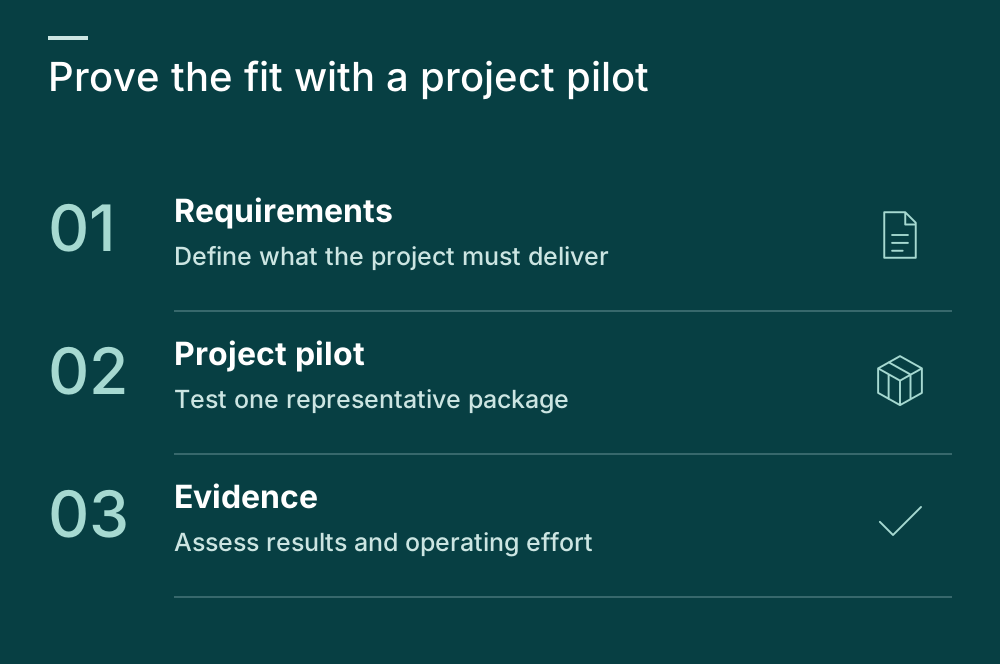
Assess SharePoint against your project requirements, operating costs, external collaboration needs, and pilot acceptance criteria.
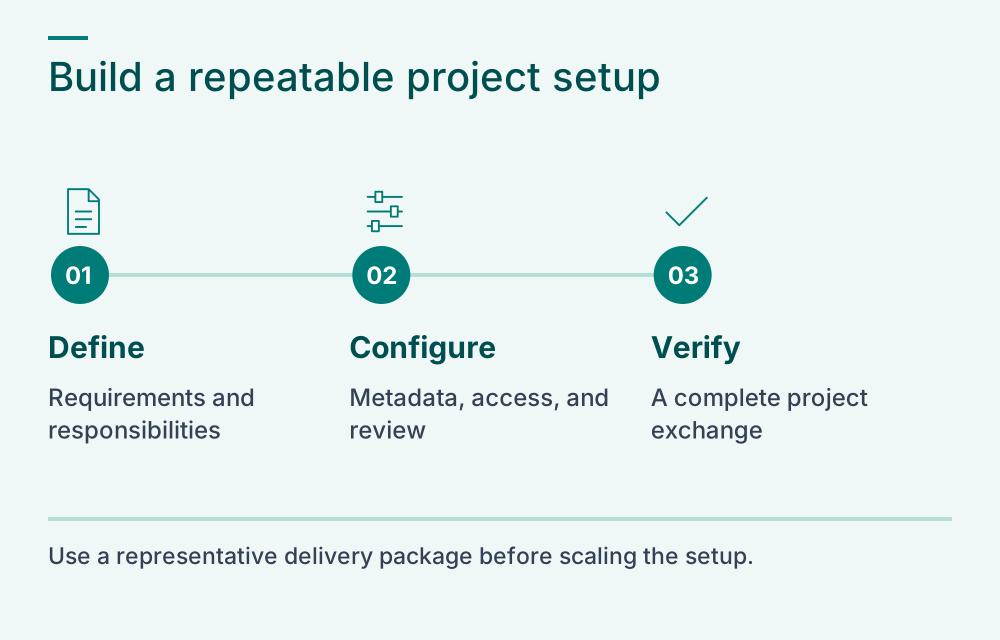
Plan ownership, metadata, permissions, release controls, and pilot tests for a SharePoint construction project environment.
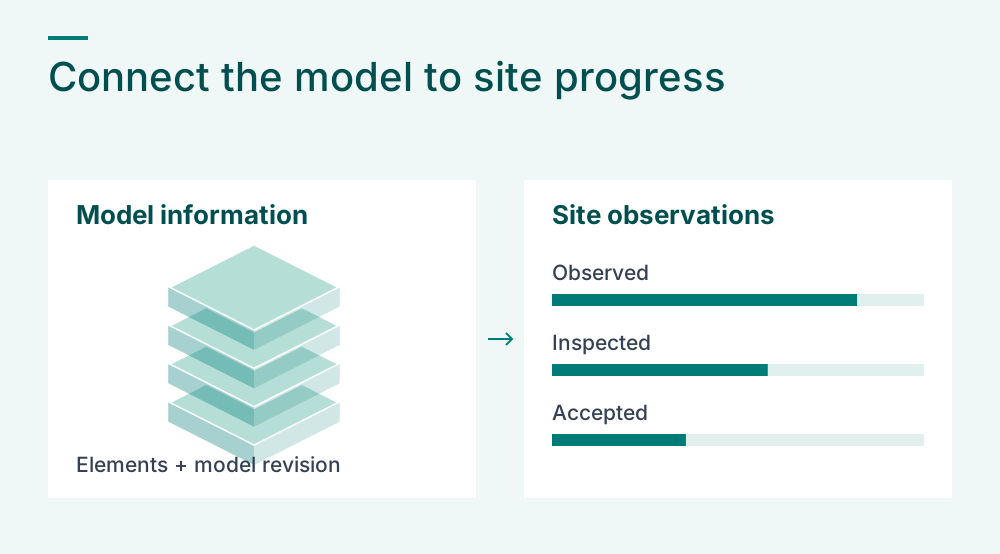
Combine IFC element data with reviewed site observations in Excel, then reconcile model revisions and report progress with clear measures.
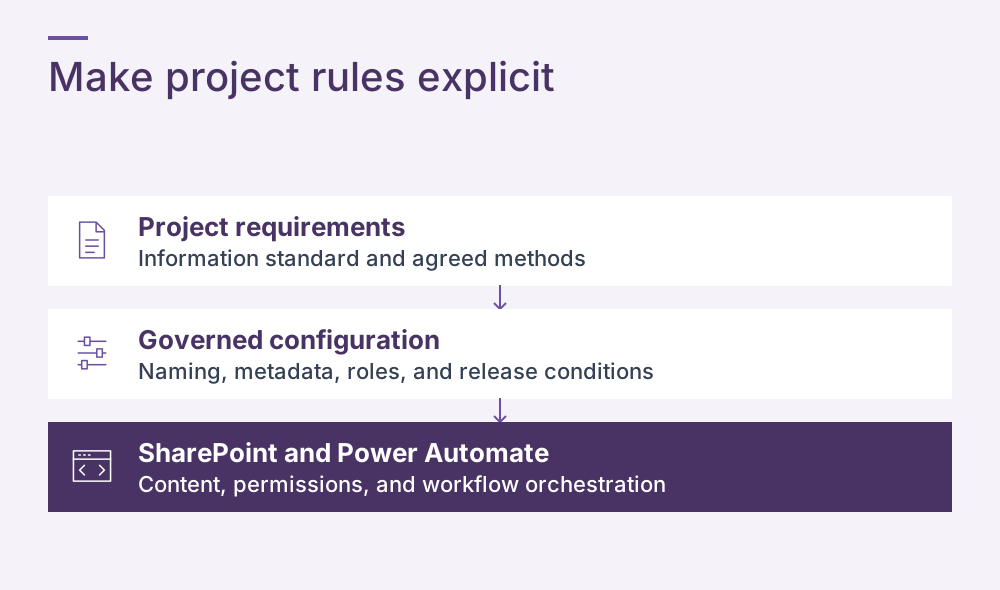
Separate project rules from workflow orchestration so that changes to naming, metadata, and release requirements remain manageable across projects.
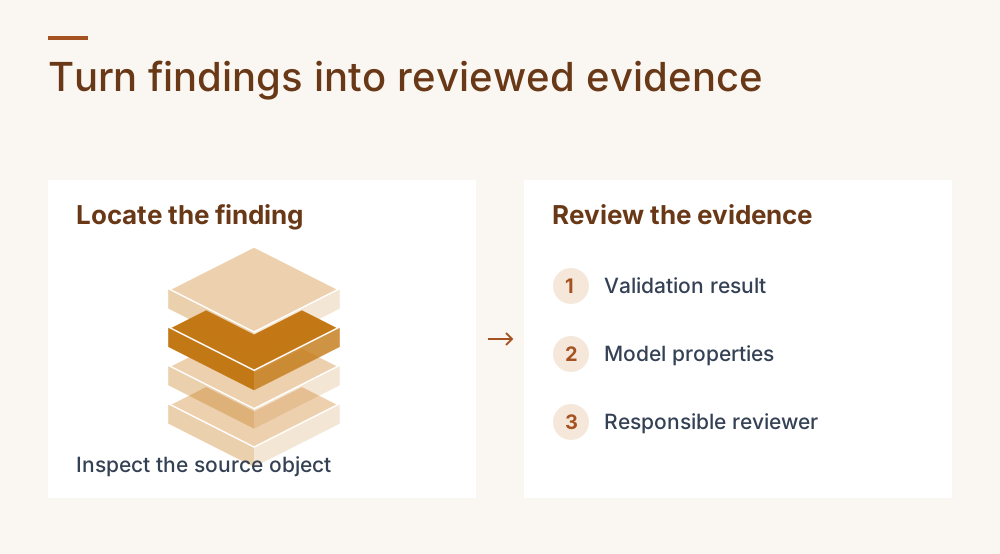
Use repeatable checks and AI-assisted analysis to investigate IFC issues, document corrections, and verify the revised model.
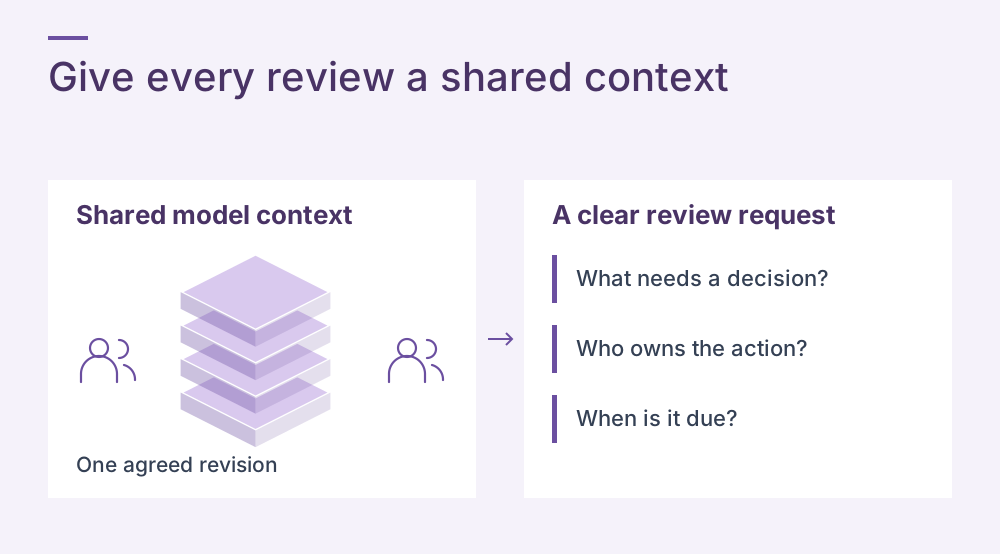
Set up a shared model review in Teams, inspect exported properties, assign actions, and preserve the context of each decision.
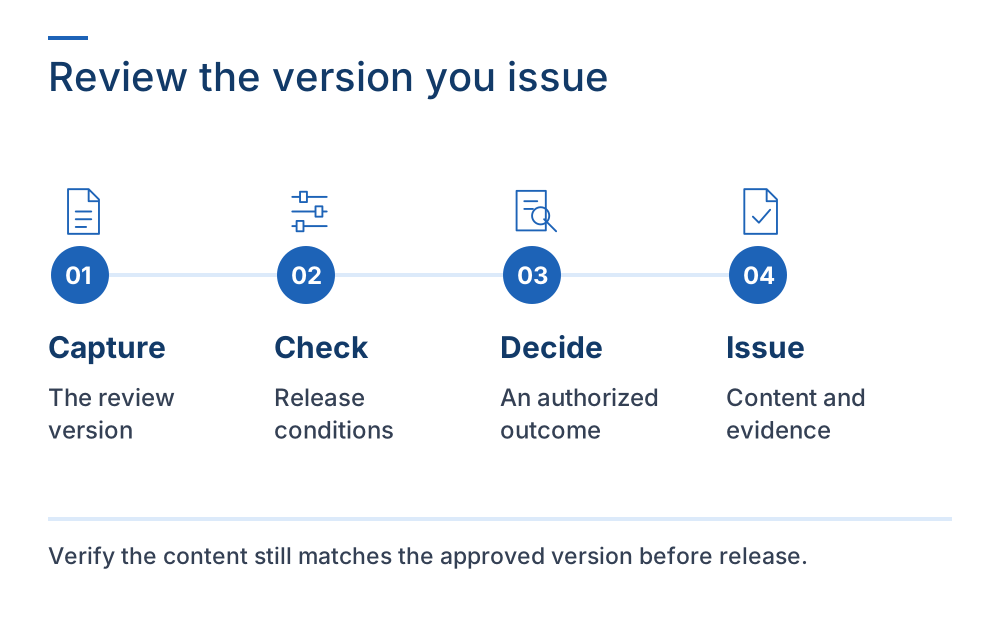
Connect approval decisions to reviewed file versions, release permissions, and retained evidence in a SharePoint CDE.
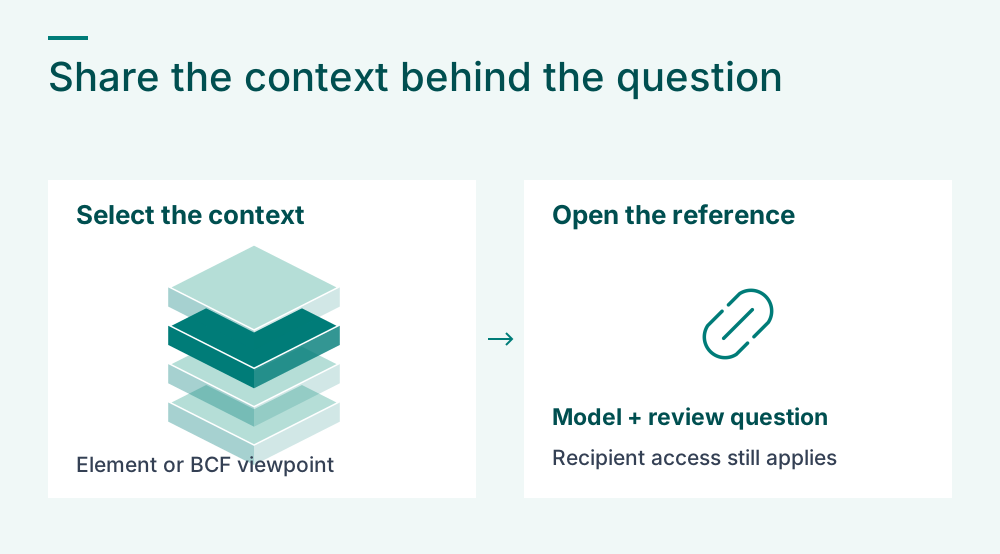
Send a focused model reference in Teams and preserve the element, revision, and review question needed for a useful handoff.
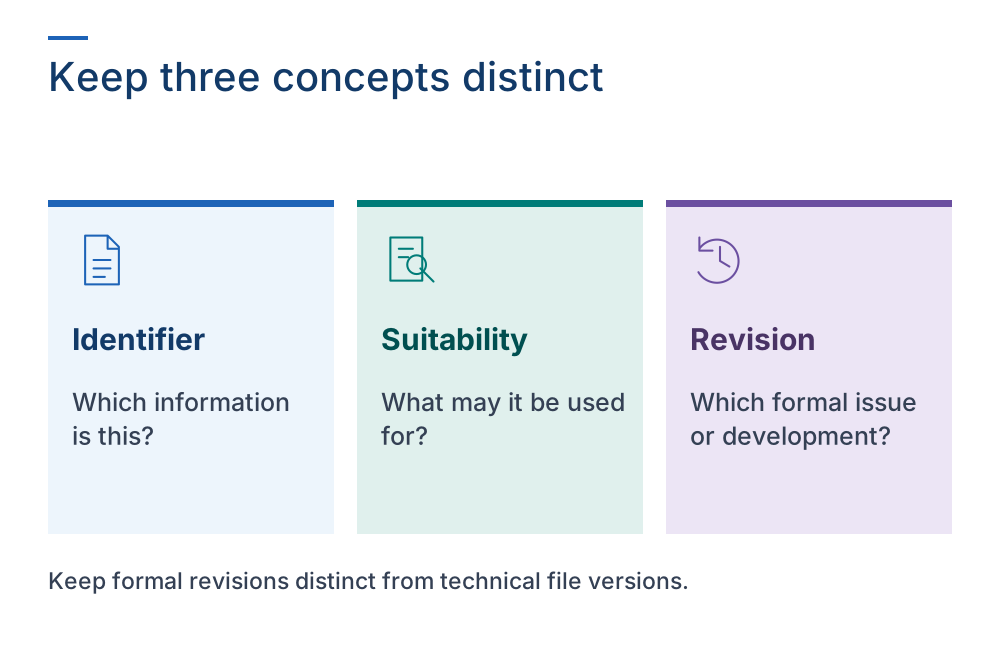
Translate the applicable information standard into governed SharePoint rules while keeping identifiers, suitability, revisions, and technical versions distinct.
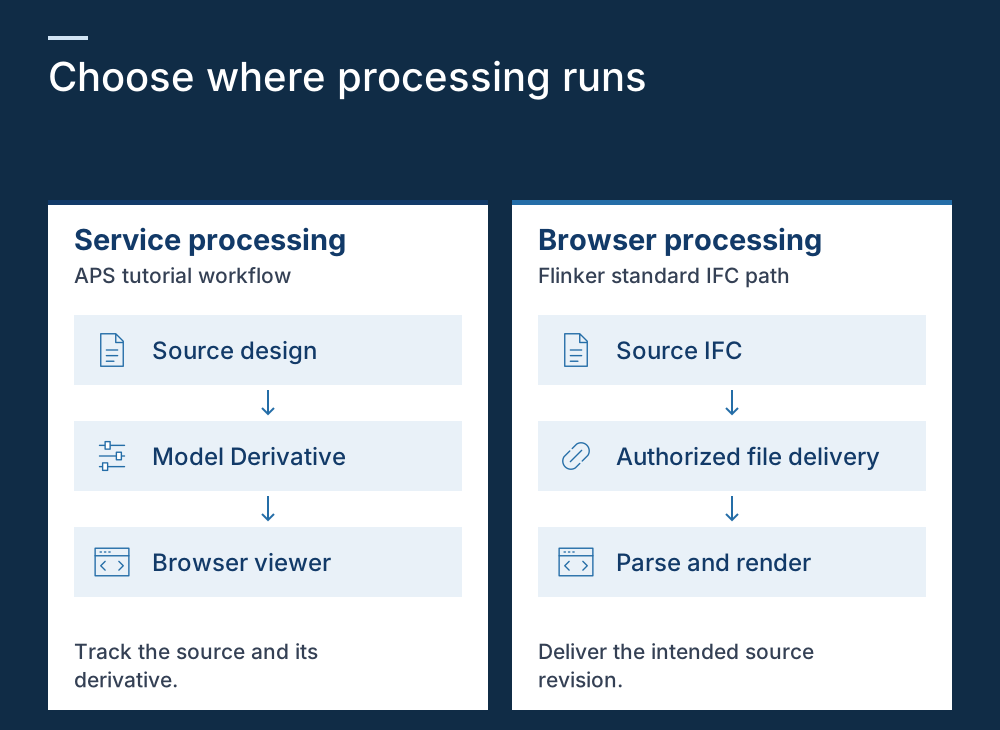
Compare browser-based IFC processing with a service-based derivative workflow and evaluate the responsibilities each adds to your application.
Use IFC and BCF in Teams, SharePoint, Excel, Power BI, and connected workflows.
Turn ISO 19650 expectations into practical SharePoint architecture and enforceable policies.
Connect model information to analytics, structured extraction, validation, and guided automation.
Talk with Flinker about architecture, deployment, commercial options, and the first production use case.